Before You Cancel: Five Things That Leave With It
Downloads, watch history, half-finished seasons, the billing date and everyone else on the account. Five checks before you press cancel.
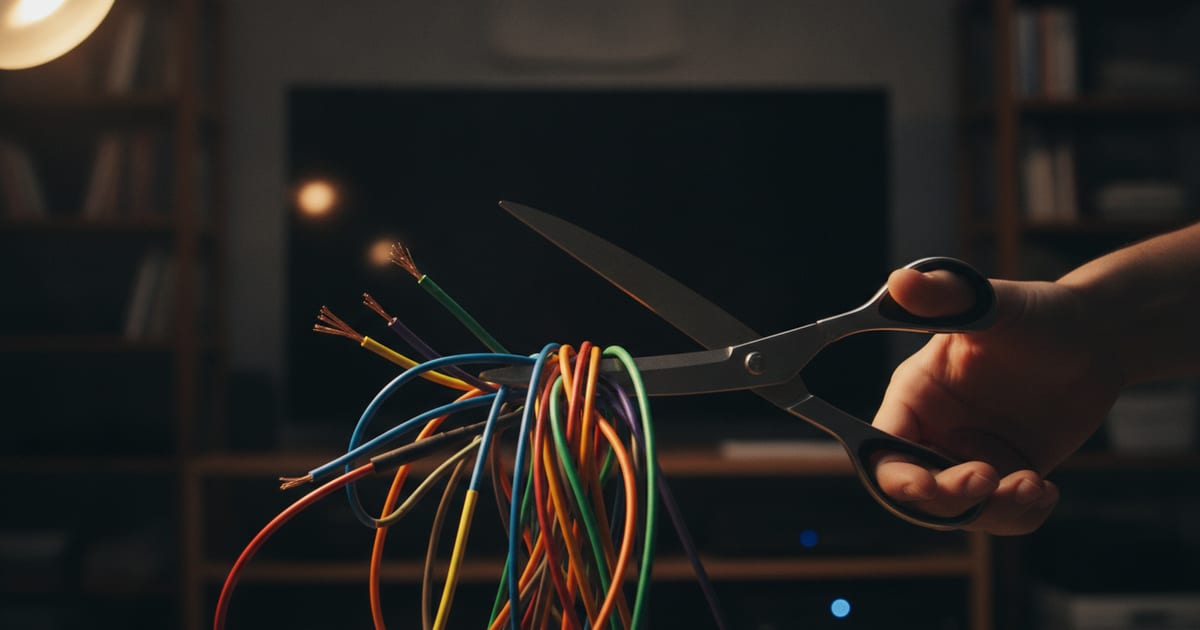
Cancelling a streaming service takes about as long as finding the button. The consequences take longer to show up: a download that won't play, a series you can't find your place in, a charge you thought you had dodged. Five checks first. The button will wait.
Your downloads are on loan
Most services let you download movies and episodes for a flight or a patchy connection. What they mention less often is that those downloads are usually tied to an active subscription. They are temporary licenses, not purchases, and they tend to stop working when the membership does. The file is still on your phone. It just won't play.
Long series make it worse. Download a whole arc of Bleach (2004) for a long trip, cancel shortly before or during it, and you are likely carrying a lot of anime you can't watch. Luggage, essentially.

- Bleach
- 2004. Long-running anime, the kind people download by the arc. The arc leaves with the subscription.
So check what you and everyone else in the household have downloaded, and watch it before the cancellation takes effect. There is no simple way to keep access once the subscription is inactive. The deadline is the cancellation date, not the end of the trip.
Your history and profiles may not wait for you
Services keep a record of what you watch: your history, your saved lists, the recommendations built on both, and the marker that says where you stopped. Cancel, and there is a risk that all of it gets deleted. The recommendations forgetting you is survivable. Some of them had it coming.
Losing your place is less so. Halfway through Silo (2023), cancelling means you might come back later and hunt for your episode by hand. Custom watchlists can go the same way, along with the titles you meant to get around to. You will not remember them. That was what the list was for.

- Silo
- 2023. A series you want to come back to at the right episode, not the first one.
On a shared account this applies to every profile, not just yours. Some services keep profiles for a grace period so coming back is painless, but not all of them do. Assume the data can go. Write down anything you would miss, somewhere the service doesn't own.
Check that the season is actually over
Many shows arrive weekly or in batches rather than all at once, so leaving early can strand you mid-season. Start The Gentlemen (2024), cancel before every episode is out, and the only ways to finish are resubscribing or finding it somewhere else. Cliffhangers are less fun when they are administrative.

- The Gentlemen
- 2024. A reminder to check the release schedule before the account settings.
The same goes for what hasn't arrived yet. People subscribe for announced projects like Lanterns (2026) and The Runner (2026). If you are waiting for a particular movie or the next season of a favorite series, make sure your last day of service doesn't land just before its debut. Leaving the week before the premiere is a very particular kind of timing.
Subscribe, binge, cancel is a sound plan for finished seasons and movie libraries. For a show that releases over several weeks or months, it needs a calendar. Confirm the schedule for anything incomplete before you go. The plan is only as good as the release dates it is built on.
Know your billing date
Surprise charges are one of the most frequent complaints after cancelling. Most services bill monthly or annually, and many don't refund part of a period if you cancel in the middle of it. Access runs to the end of the period you have paid for, and then stops. The money, meanwhile, has already left.
Say your billing date is the 15th and you cancel on the 1st. You will likely keep access until the 14th, you won't get the unused two weeks back, and the full charge still applies. Cancelling on the 1st doesn't make the month cheaper. It just makes it shorter.
Leave on the last day, not the first
The better timing is just before the next billing date: all the time you paid for, none of the next period's charge. Check the exact renewal date in your account before you start. Some services send a confirmation email with your last day of service. Keep that one. It is the rare email from a streaming service worth reading.
Tell the rest of the household
A shared account comes with other people's profiles and other people's plans. The month that suits you may be the month someone else is in the middle of something. They will find out when it stops playing.
If one person is waiting for Spider-Man: Brand New Day (2026) and another is about to cancel, somebody ends up disappointed, and it is rarely the person who cancelled. A short conversation beforehand beats the one afterwards.

- Spider-Man: Brand New Day
- 2026. A movie someone in the house may be counting on. Ask before you cancel.
This matters most on services used by several age groups, where everyone keeps their own list. Say when access ends, and give people time to finish what they are watching. Notice costs less than a resubscription.
The short version
Cancelling is a normal part of running a household budget and rotating services. A few minutes on downloads, history, release schedules, the billing date and the other people on the account keeps it from costing you content, data or money you didn't mean to give up. The button is the easy part. For more on running subscriptions without surprises, keep an eye on Binge Boss.
Sources
- The Runner (2026) checked 7 September 2026
- Silo (2023) checked 7 September 2026
- Lanterns (2026) checked 7 September 2026
- Spider-Man: Brand New Day (2026) checked 7 September 2026
- The Gentlemen (2024) checked 7 September 2026
- Bleach (2004) checked 7 September 2026
Before you subscribe
Title data comes from TMDB. Streaming prices and availability change often — check with the provider for current details.
Plan your subscriptions instead of guessing
Binge Boss tracks what you watch and works out which services you need this month.
Open Binge Boss